Turn Your Phone Into a GPS Field Guidance System
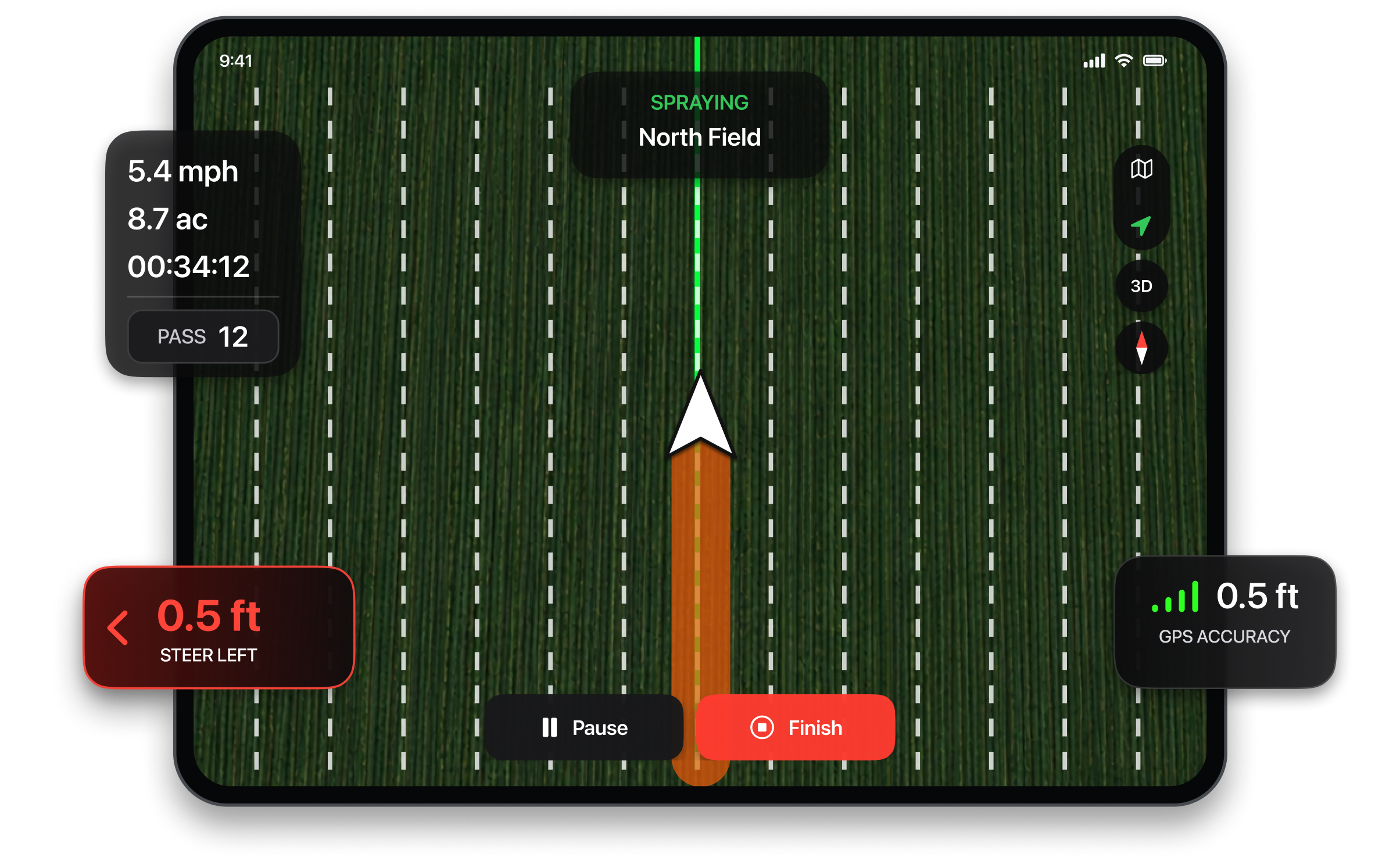
Tractor GPS: Field Guidance is a GPS guidance app that helps farmers, hobby farmers, and custom operators drive straight, evenly spaced passes by turning their iPhone or iPad into a field guidance display. No expensive in-cab system required.
Create straight AB lines, measure field boundaries and area, track worked sections in real time, and keep operation records using your phone or tablet.

Based on App Store category rankings

Important: Designed for tractors and agricultural equipment of different brands, sizes, and ages. Use your device's built-in GPS or connect a compatible external GNSS receiver for improved accuracy.













Everything you need in the field
Designed with accuracy and simplicity in mind, every feature is crafted for productive fieldwork.
AB Line Guidance
Set up straight AB lines and follow them accurately across your field for clean, parallel passes every time.
Field Boundary & Area
Walk or drive the edge of your field to record boundaries and instantly measure area in acres or hectares.
Real-Time Worked-Area Tracking
See exactly how much of the field you have covered as you work, with live tracking that updates on the go.
Equipment Width Settings
Set your implement width once and the app calculates coverage, line spacing, and guidance accordingly.
Field Management & Work Logs
Keep each field organized and review detailed work logs including area, time, and date for every session.
Optimized for the Field
Ultra-smooth performance with minimal battery impact, built for long days of work outdoors.
Loved by thousands of farmers
Feb 8, 2026
A field guidance app that works.
Exactly what I needed for the field. It turns my tablet into a clear guidance screen with AB lines and area tracking in one place.
Michael T.
Sep 15, 2025
Works on all my tractors without setup.
I use this app on different tractors and phones and it works every time. No extra equipment needed. Everything I need shows up on one clean screen.
David R.
Apr 22, 2025
Fast setup and accurate lines.
The app launches quickly and creating AB lines is smooth and accurate. I like having guidance and area measurement together without switching between apps.
Jennifer K.
Jan 10, 2025
Simple, stable, and easy to use.
It feels like a real guidance system running on my phone. The interface is clean, setup is instant, and it has been very stable during long days in the field.
Robert M.
Nov 18, 2024
Just open and go to work.
No complicated setup and no extra hardware. AB line guidance works flawlessly and everything stays on one screen.
Sarah Johnson
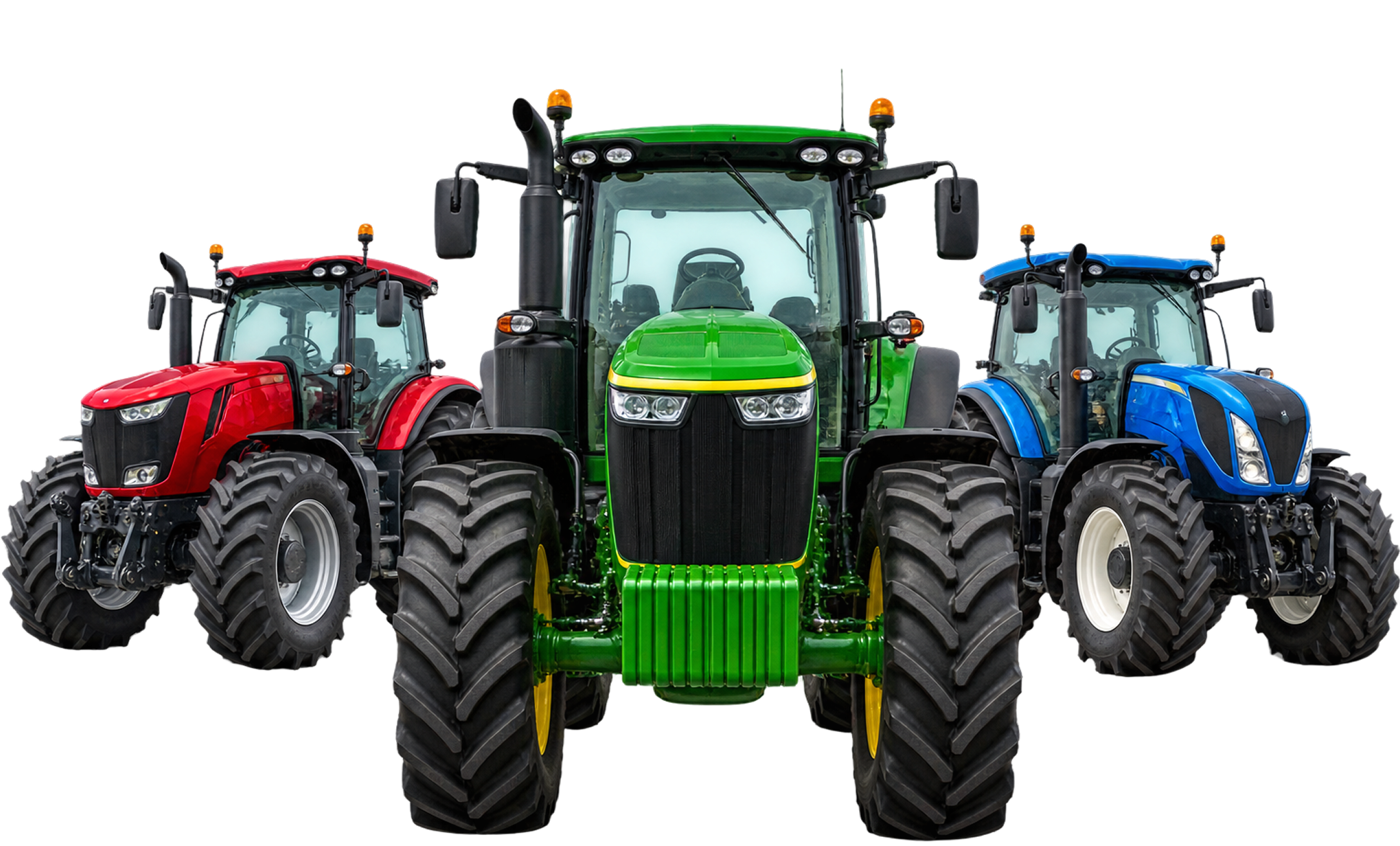
Compatible with Any Tractor or Equipment
Our app works seamlessly with any tractor, sprayer, or farming equipment regardless of make or model. No special hardware required.
What will you get
Start with our free version, or unlock the full experience with premium field guidance features.
| Feature | Free | Premium |
|---|---|---|
| AB Line Guidance | ||
| Field Boundary Measurement | ||
| Area Calculation | ||
| Equipment Width Settings | ||
| Field Management | ||
| Work Logs | ||
| Real-Time Worked-Area Tracking | ||
| Curved Line Guidance | ||
| Headland Guidance | ||
| Field Overlap & Skip Detection | ||
| Detailed Session Reports | ||
| Export Work Logs | ||
| Multi-Field Management | ||
| Ad-Free Experience | ||
| Customer Support | ||
| Early Access to New Features |
Frequently asked questions
Everything you need to know about the app
What is Tractor GPS: Field Guidance?
An iPhone and iPad app for tractor GPS guidance. You set an AB line, follow parallel guidance lines on screen, see the areas you have already covered, and save every field operation to a work log.
Do I need a dedicated GPS display or extra hardware?
No dedicated in-cab display is required to get started. The app uses your iPhone's or iPad's GPS. It is a low-cost way to start with digital field guidance on tractors without a built-in guidance system.
What field jobs can I use it for?
Spraying, planting and seeding, fertilizing and spreading, tilling, plowing, cultivating, mowing, baling, and other field operations where straight, parallel passes matter.
How does AB line guidance work?
Add your tractor and implement, enter the working width and offset, draw or select a field, set points A and B, then start guidance and follow the parallel lines. Guidance lines are based on your implement's working width, so each pass lines up with the one before it.
Does it work with my tractor brand?
Yes. It is not tied to one manufacturer. You can add tractors, combines, and implements from different brands, each with its own working width and offset.
Which implements are supported?
Sprayers, planters and seeders, plows, cultivators, harrows, fertilizer spreaders, mowers, balers, headers, and other farm implements.
Can I save fields and work records?
Yes. You can draw and save field boundaries, see field area, create AB lines for each field, review covered areas, and log each operation with field, tractor, implement, operation type, working width, and offset.
Which units does it support?
Acres or hectares, feet or meters, and miles per hour or kilometers per hour.
Does it steer my tractor automatically?
No. Tractor GPS is a visual guidance aid. It does not control, steer, or provide automatic steering for tractors or other machinery.
How accurate is it?
GPS accuracy depends on your device, satellite visibility, nearby structures, weather, and terrain.
Is it free?
The app is free to download. Some features and additional usage require a Premium subscription. Plans and pricing are shown in the app before purchase.
Which devices does it run on?
iPhone and iPad. Download it on the App Store.
From the blog
Tips and guides on tractor GPS guidance, AB lines, and field mapping
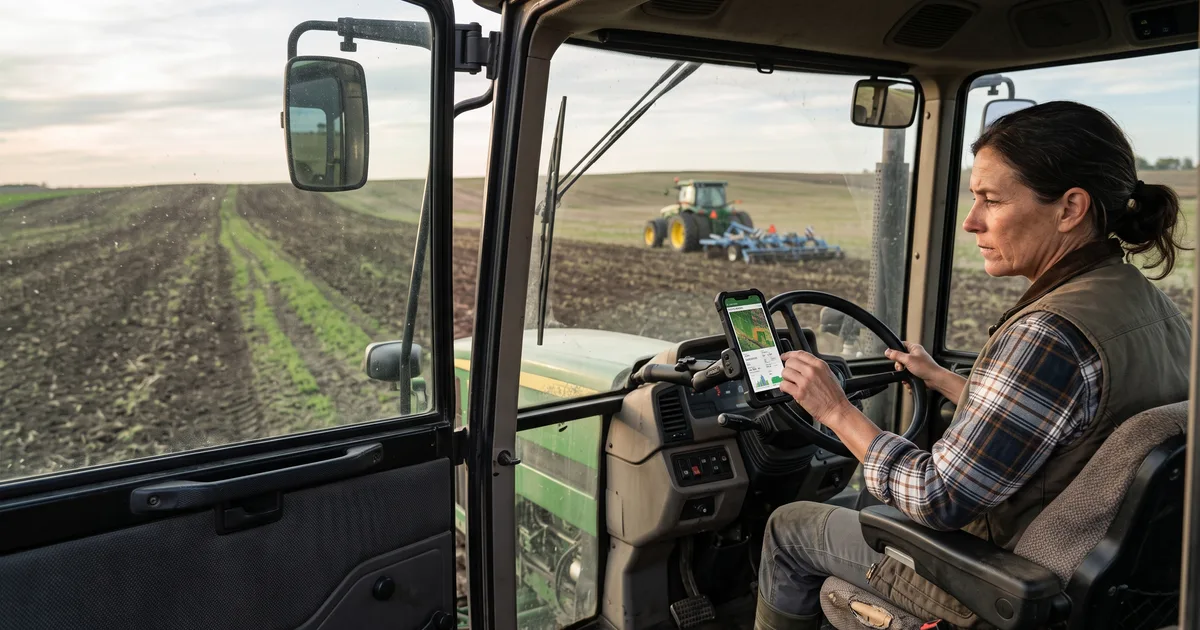

Can You Use a Phone as a Tractor GPS?
A practical look at phone-based tractor guidance, what it can do in a field, and when dedicated positioning equipment is needed.
Read article
What Is Tractor GPS Guidance? A Beginner's Guide
Learn how tractor GPS guidance uses position, field lines and implement width to help an operator plan passes.
Read article
How to Set Up an AB Line for Field Work
A straightforward walkthrough of A and B points, parallel passes, implement width and a test run.
Read articleStill have questions?
We're here to help! Reach out to our support team.