 Tractor GPS
What Is Tractor GPS Guidance? A Beginner's Guide
What does "GPS guidance" actually mean?
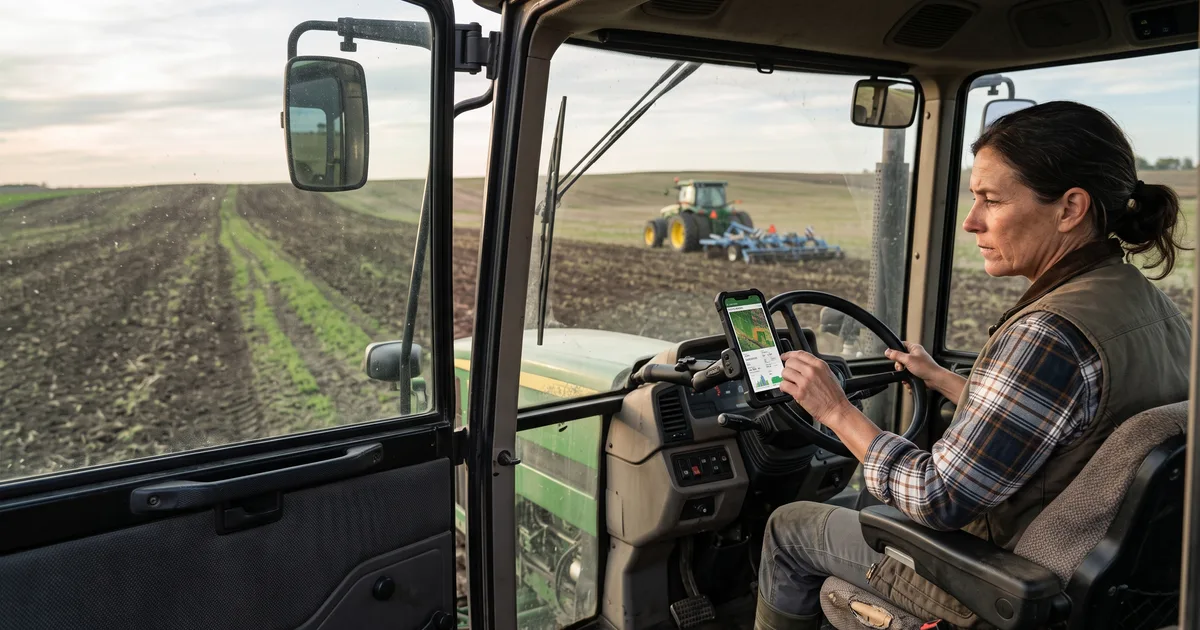
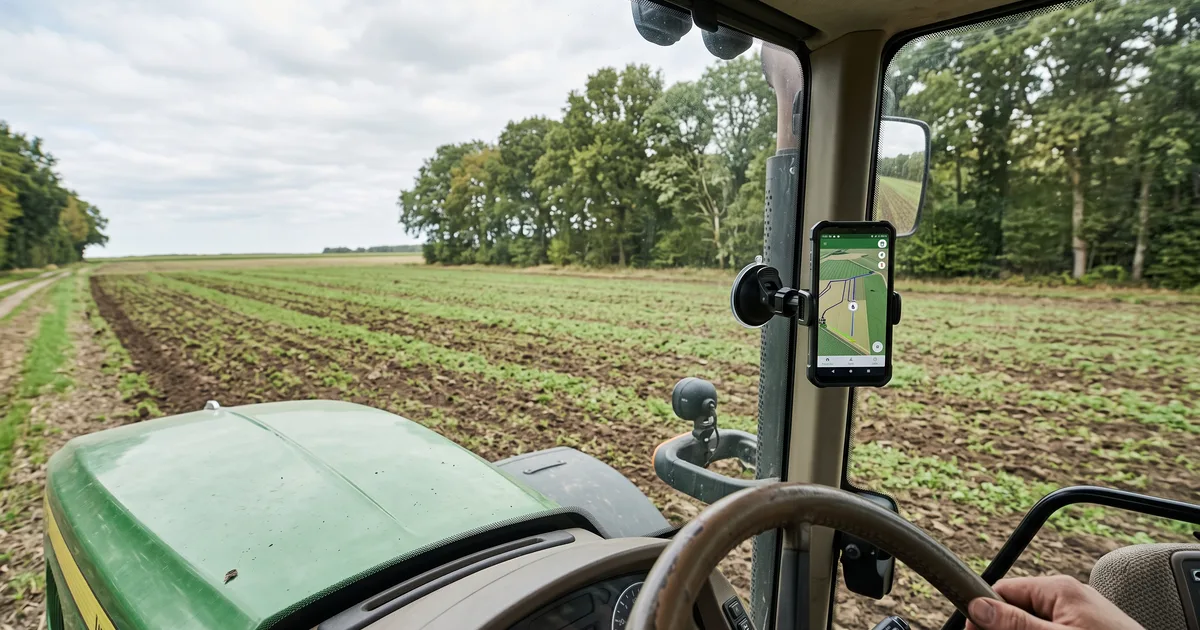
Think of it as a reference line on a screen. You choose the direction for your first pass, and the system shows parallel paths for the passes that follow. When the last tire track disappears in residue or standing crop, having a line to follow can be a lot more useful than guessing from the cab.
The setup in four parts
You need a position source, a display, a reference line, and the working width of the implement. That last setting matters: the software uses it to space the next passes. If your sprayer's active width or a side-mounted implement doesn't match what you entered, the lines may look neat while the actual coverage isn't. Check the width and any left or right offset each time you switch equipment.
Start with one pass
Set your line, drive a short run, and look at the ground before continuing. Are you leaving a strip or doubling up? Is the location marker steady? Adjust the setup based on what you find. Visual guidance gives the operator a steering cue; it isn't auto-steer, and the accuracy depends on the receiver and conditions. A quick field check tells you more than a perfect-looking screen ever will.
Try Tractor GPS on your phone
Turn your phone or tablet into a practical GPS field guidance tool — AB lines, field boundaries, area measurement, and work logs.
Download on the App Store