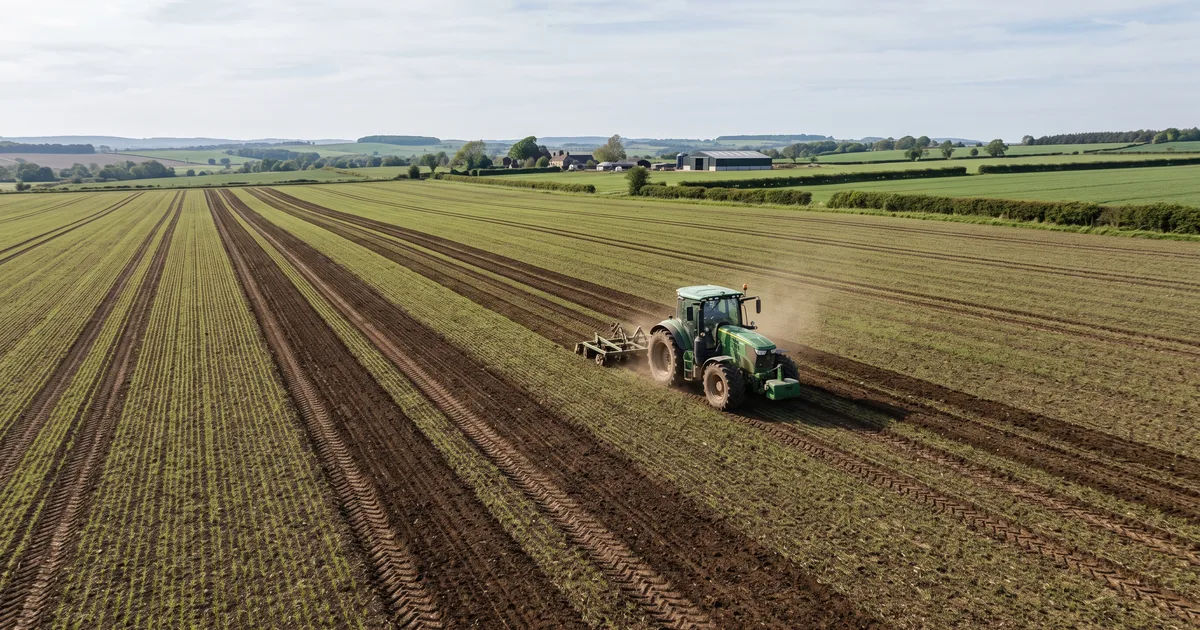
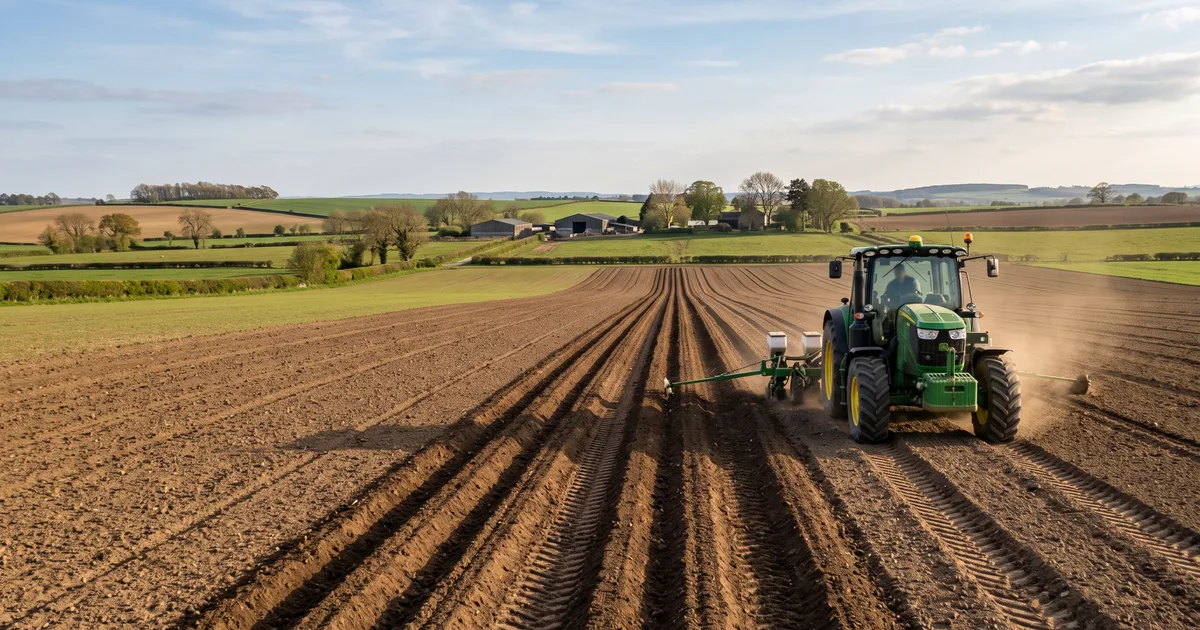
 Tractor GPS
Can You Use a Phone as a Tractor GPS?
Can a phone really guide a tractor?
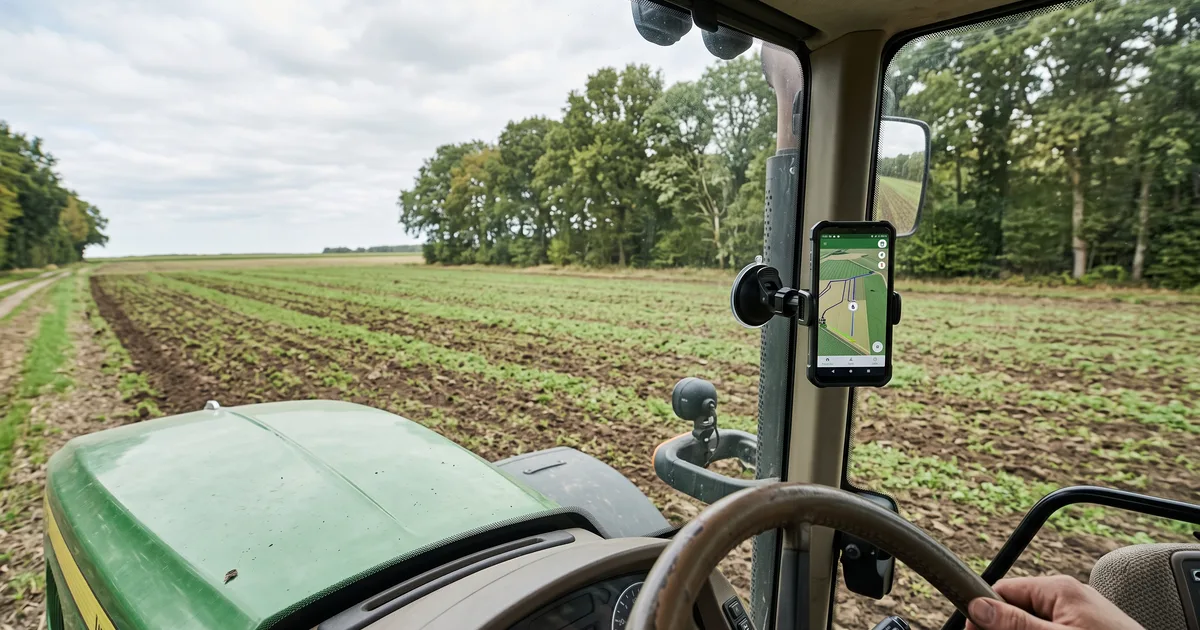
Yes, as a visual guide. Mount a phone or tablet in the cab, and an app can show your position against a planned line while you steer. In Tractor GPS, you can draw a field boundary, set an AB line, enter an implement's working width, and save an operation. You don't need to install a whole new display just to see whether this kind of workflow helps you.
Try it before a full day's work
Give the app location access and use a sturdy mount that doesn't block your view. Bring a charger. Then take a short pass in an open part of the field and watch whether the position stays steady. A phone sitting low in the cab, a tree line, or a different device can change what you see. Check the actual pass on the ground, too; the screen isn't the crop.
Know what you're getting
The app shows a line; it doesn't steer the tractor. A phone's built-in location also isn't the same as an RTK receiver for jobs that need repeatable, near-centimeter placement. If you're planting tight rows or returning to exactly the same tracks later, evaluate dedicated positioning equipment. For a less demanding job, a phone can be a practical way to get started and learn what you need from guidance.
Try Tractor GPS on your phone
Turn your phone or tablet into a practical GPS field guidance tool — AB lines, field boundaries, area measurement, and work logs.
Download on the App Store