 Tractor GPS
How Does Implement Width Affect Field Guidance?
Working width is more than a box to fill in
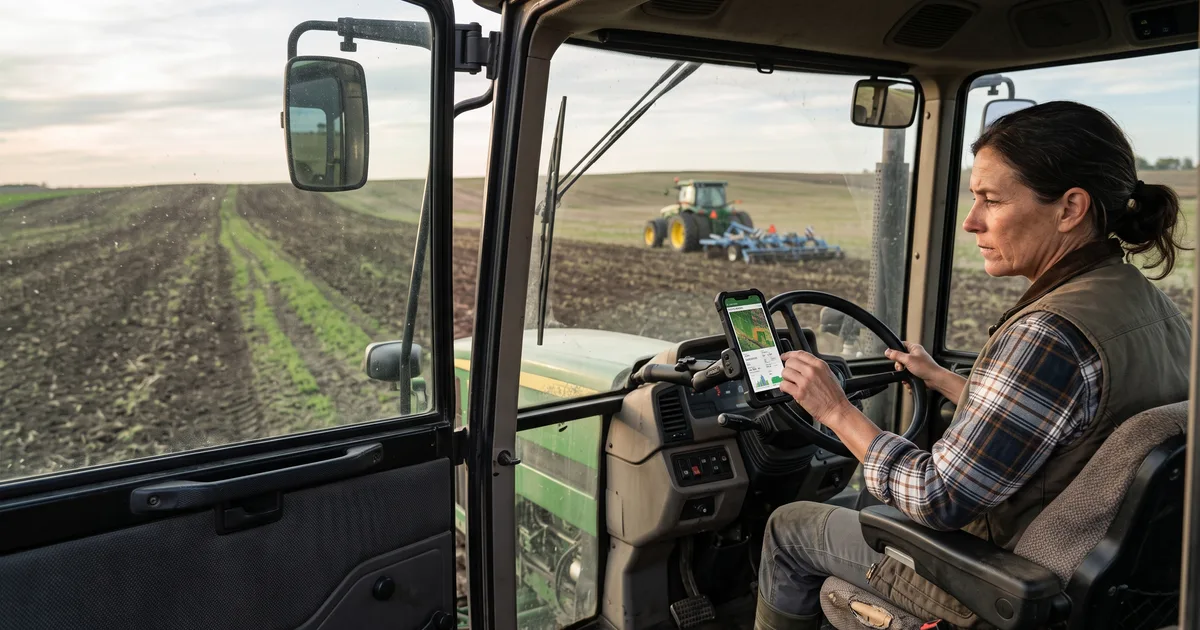
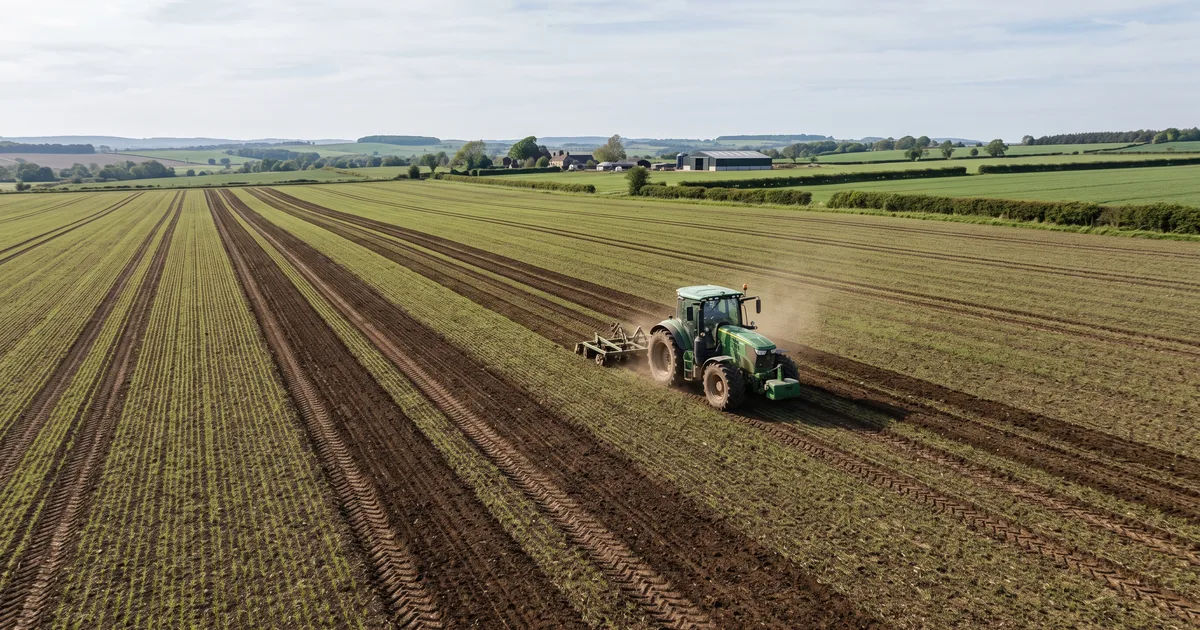
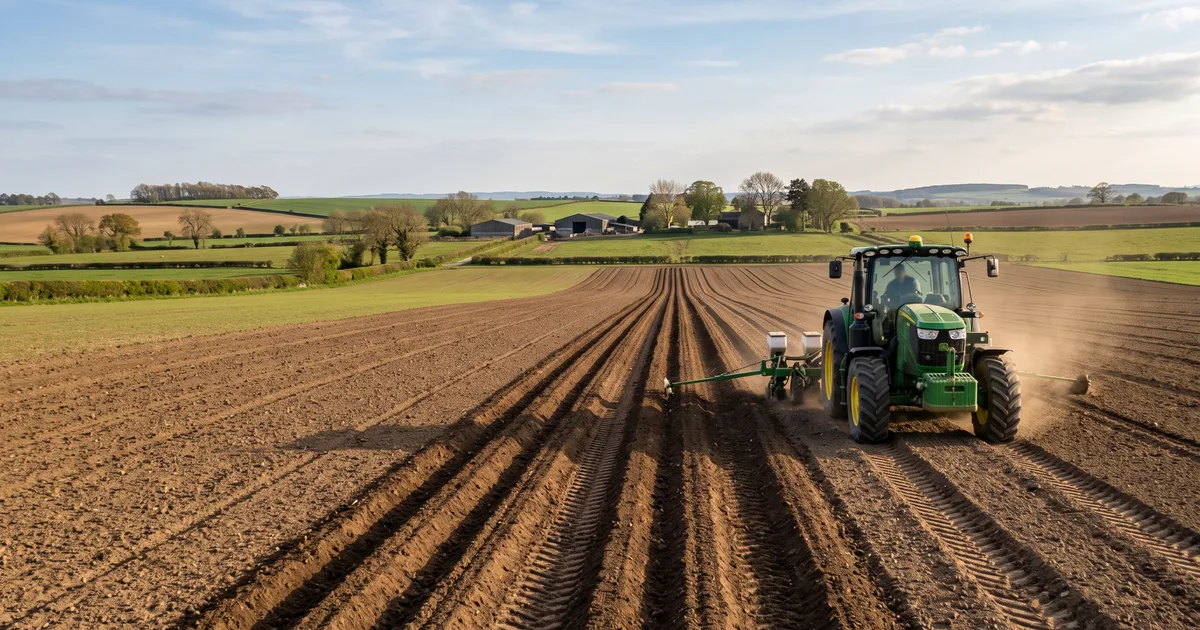
The app spaces neighboring guidance lines using the width you enter. Set it too wide and you could leave untreated strips; set it too narrow and you may drive more overlap than you intended. A nominal equipment width isn't always the same as the area it actually covers in your current setup.
Take a sprayer as an example
Check which boom sections and nozzles are active before entering the spray width. With other implements, consider the true working span under field conditions. A side-mounted mower or an implement that runs off center brings another setting into play: offset. The tractor's centerline and the tool's working path aren't always the same thing.
Verify with a short run
Measure or confirm the width, enter any left or right offset, and make a test pass. Then inspect where the next pass lands on the ground. The guidance lines are based on the numbers you supplied; they can't measure the implement for you. Location error and steering also affect the result, so check coverage again whenever you change equipment or field conditions.
Sources
Try Tractor GPS on your phone
Turn your phone or tablet into a practical GPS field guidance tool — AB lines, field boundaries, area measurement, and work logs.
Download on the App Store