 Tractor GPS
How to Keep Digital Records of Field Operations
Start with a field name you'll recognize
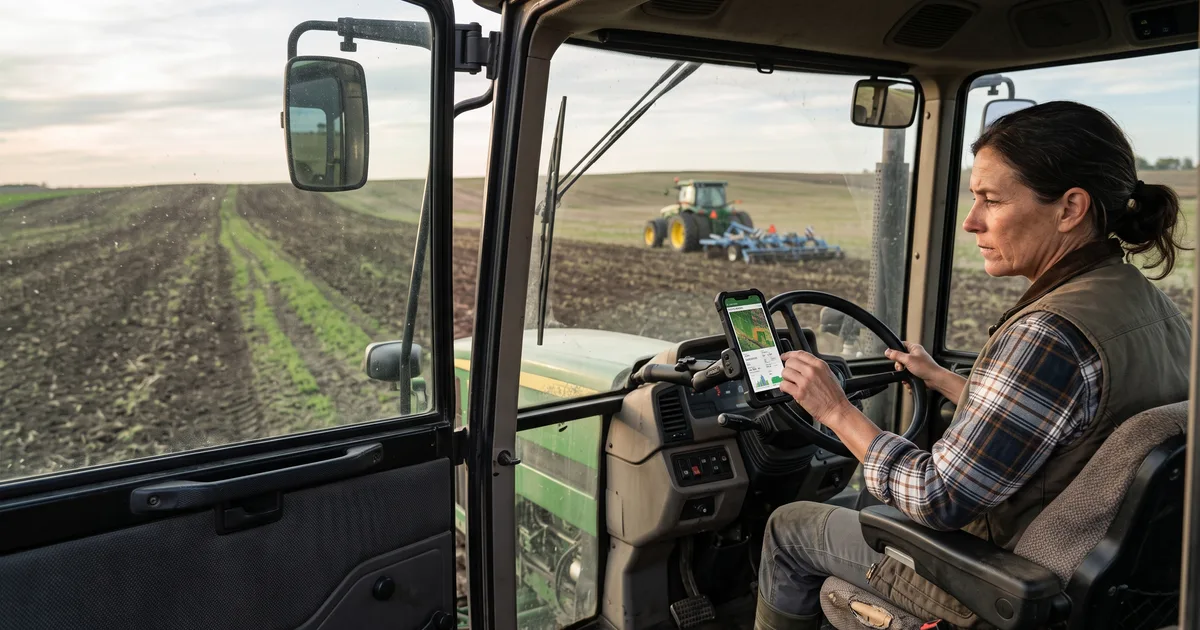
"North 40" is more useful than another entry called "New Field." Choose the right field before an operation, then confirm the AB line and equipment you're using. When the work is done, save the operation while it's still fresh. That makes it easier to tell this week's work from a similar job you did earlier in the season.
Keep the useful context
A path alone doesn't explain whether you were spraying, planting, or working with a different implement. Check the selected tool and its working width when you start. A simple digital work log can help you revisit your field activity, but don't assume it contains every detail required for regulated pesticide application records. Check the rules that apply to your operation and keep any additional records they require.
Give it a quick review
Before leaving the cab, make sure the operation is attached to the right field and equipment. Correct a mix-up while you still remember the job; future you will appreciate it. Tractor GPS lets you organize fields and save operations on a phone or tablet, giving you a practical history to refer back to when the next job comes around.
Try Tractor GPS on your phone
Turn your phone or tablet into a practical GPS field guidance tool — AB lines, field boundaries, area measurement, and work logs.
Download on the App Store